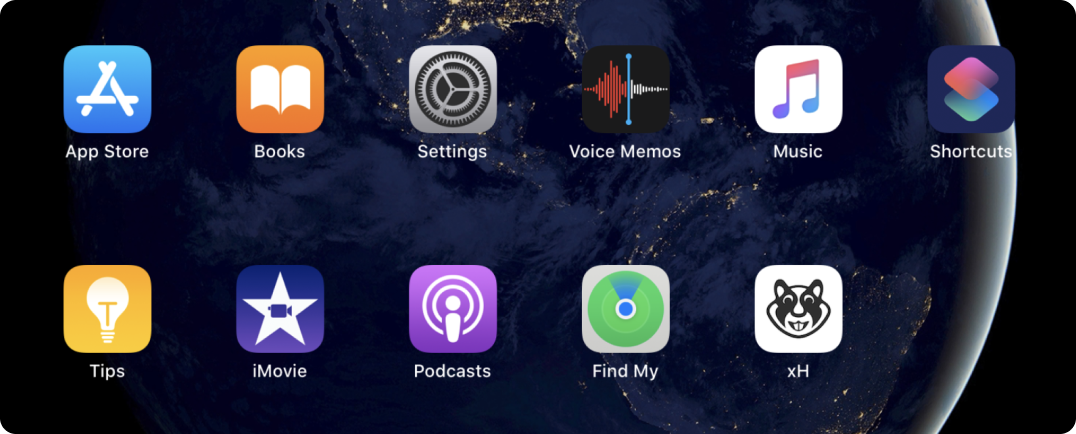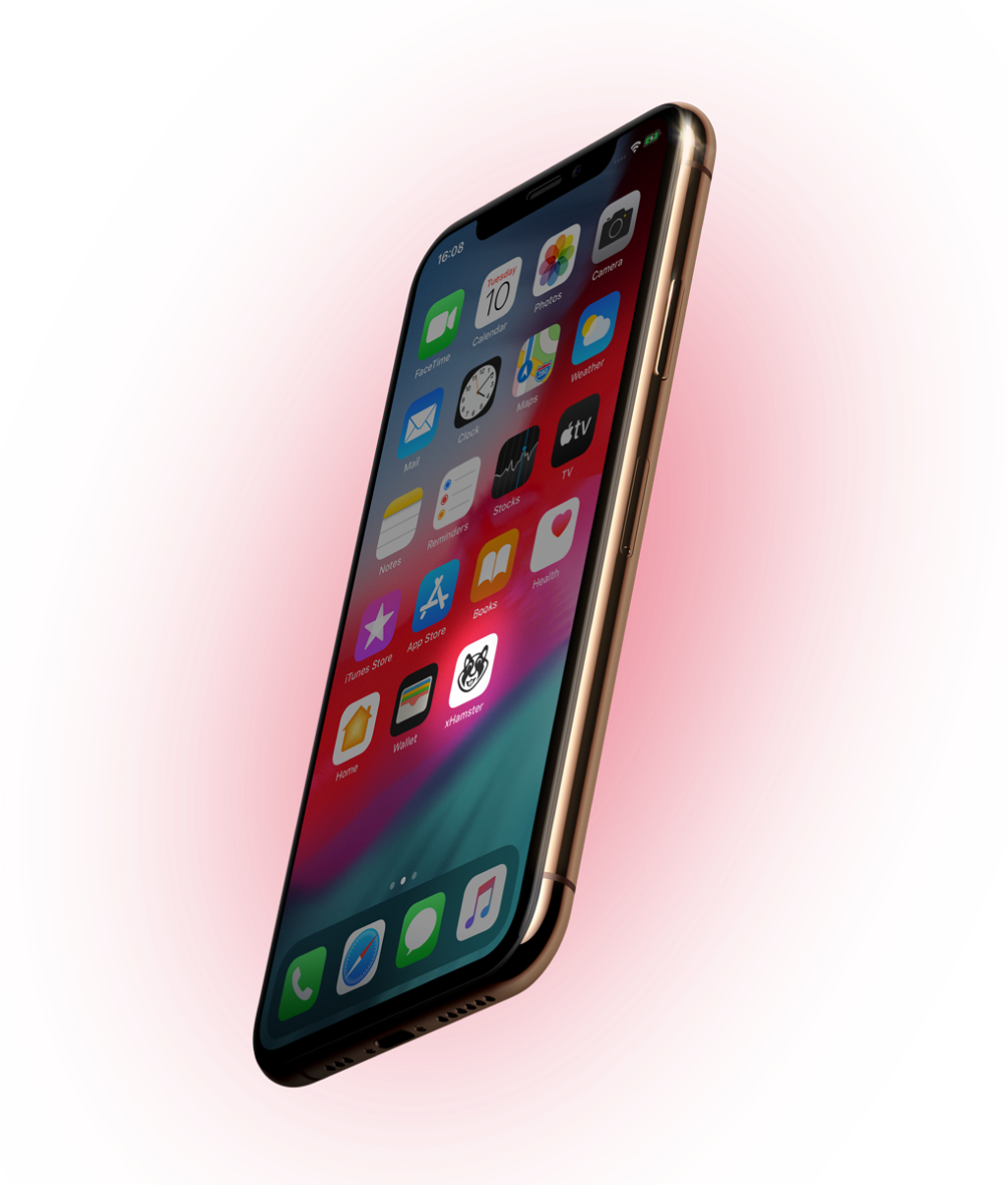
xHamster app on your Home screen
Enjoy xHamster like a native app.
Fast, more secure, and totally free!
Works better with Chrome, Opera, Safari, and Samsung Internet
To get xHamster right on your home screen follow our guides:
-
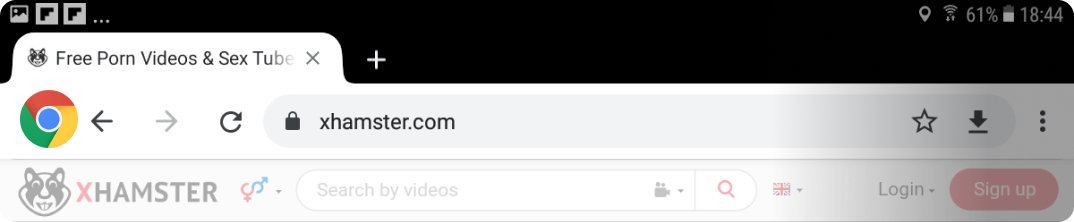
Load xHamster.com in the Chrome Web Browser
-
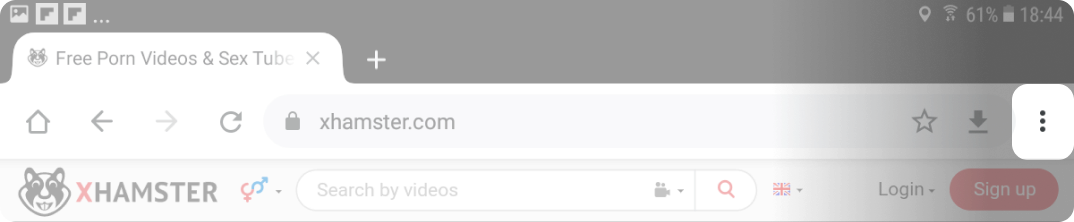
Tap the 3 dots in the top right corner
-
Select "Add to Home screen" from the available options
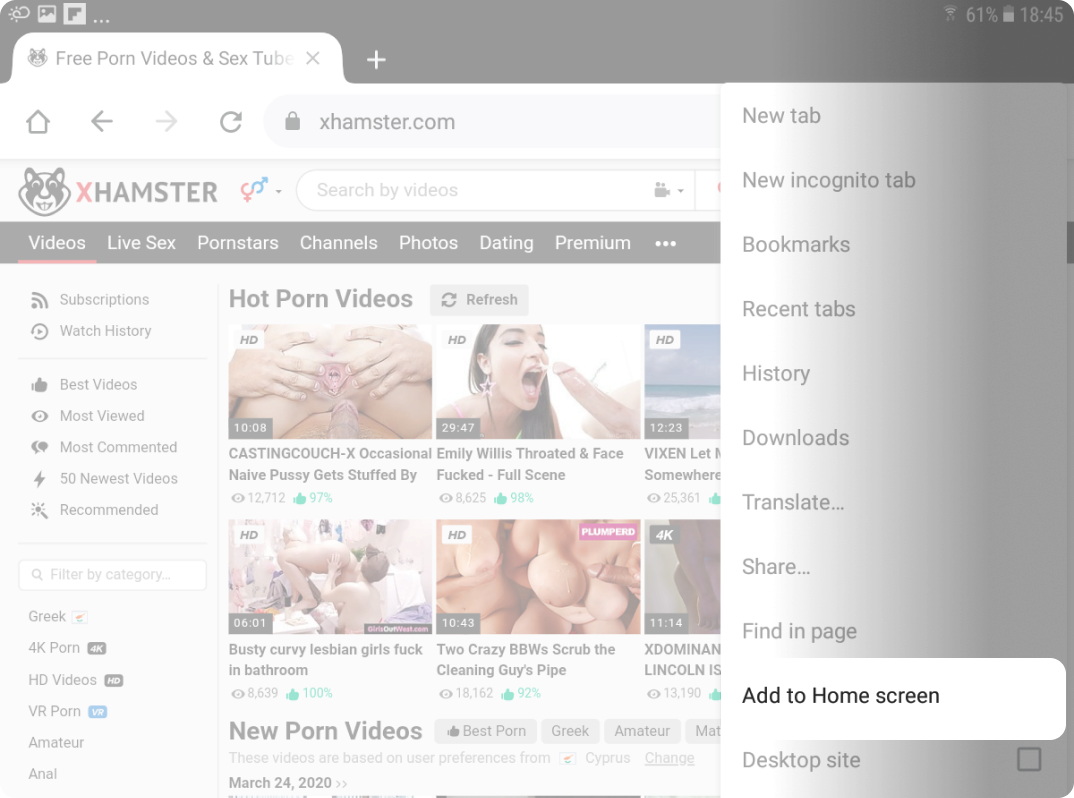
-
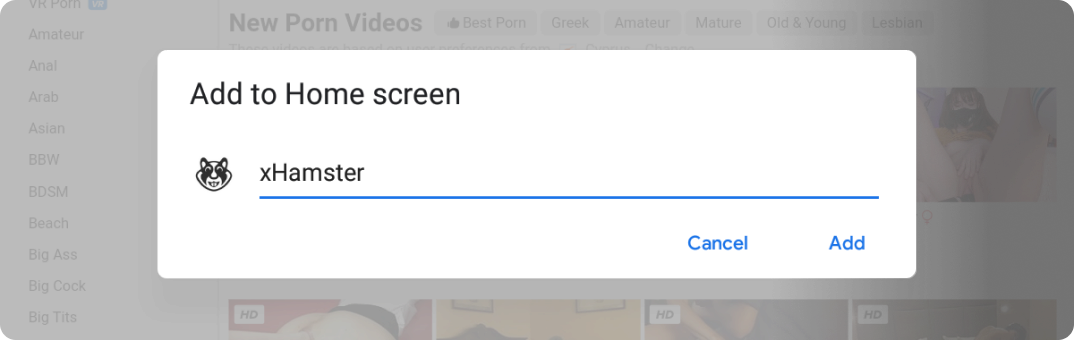
Chrome will open a prompt and you will be able to add xHamster icon to your home screen. Change the App name if you want to2
-
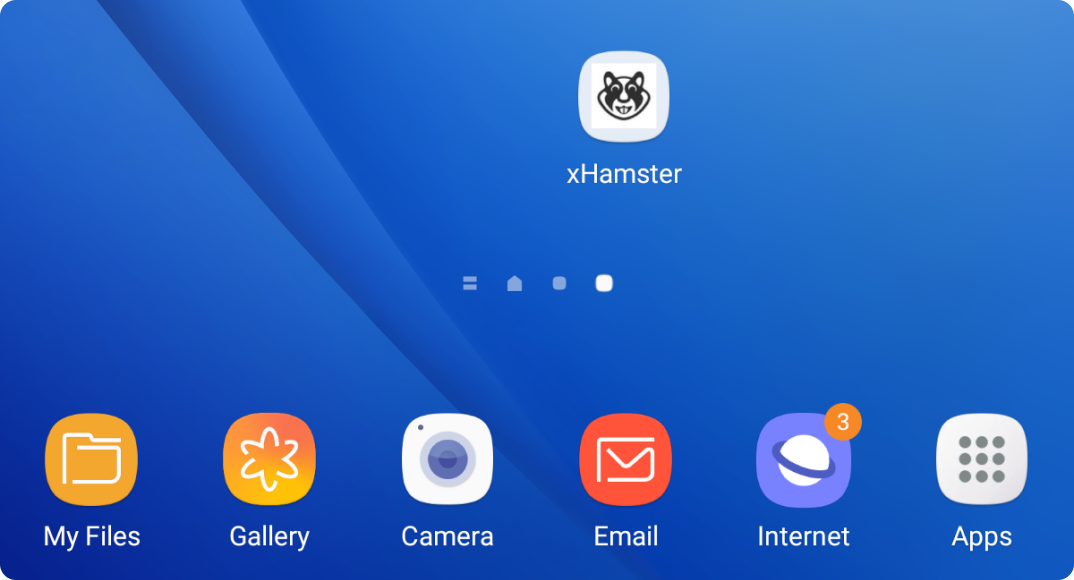
Launch the app to ensure the install has been successful. That's it. Enjoy!
-
Load xHamster.com in the Safari Web Browser

-
Tap the share icon

-
Select "Add to Home screen" from the available options
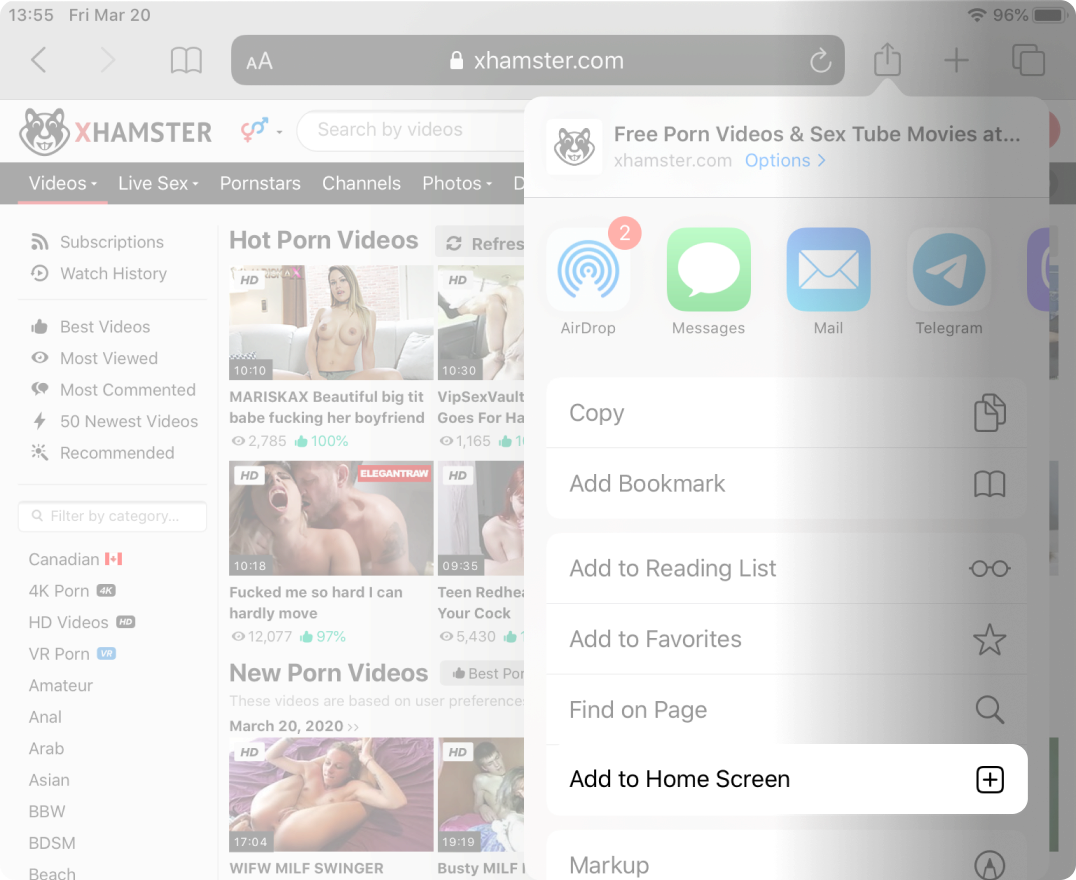
-
Change the App name if you want to
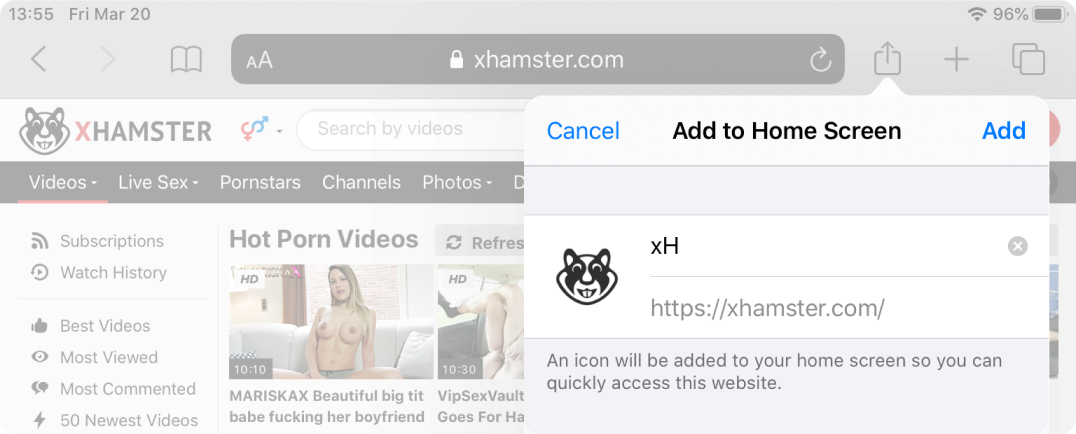
-
Launch the app to ensure the install has been successful. That's it. Enjoy!